
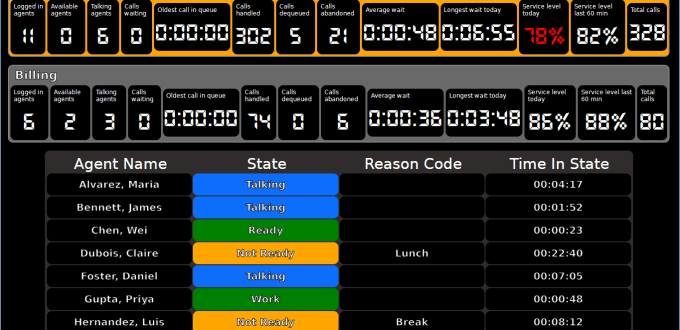
The VoIP Detective wallboard shows calls waiting, available agents, service level and abandons for every queue, on any TV or browser, updated every few seconds. One fixed price, no per-agent or per-screen fees.
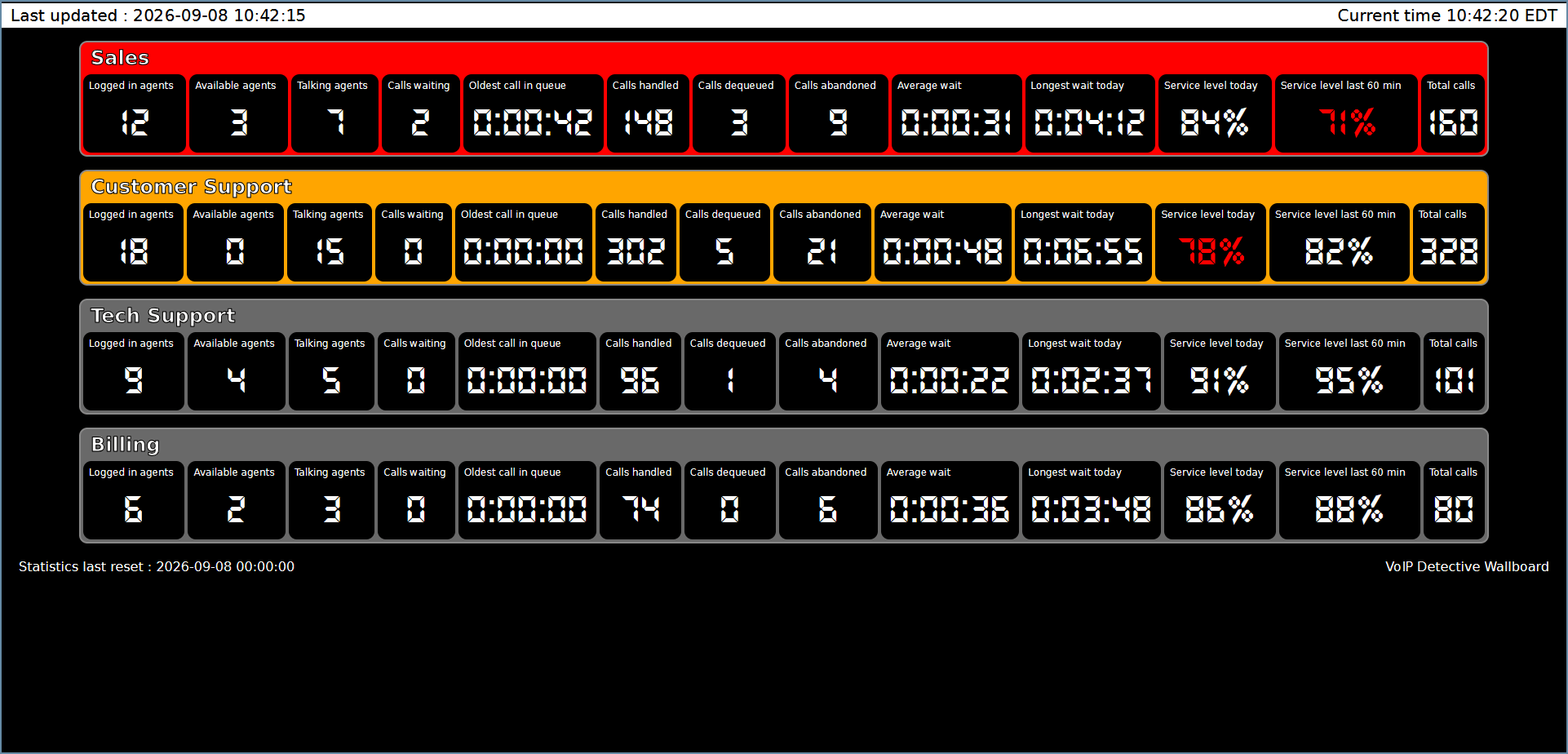
See every queue at a glance
One row per CSQ, straight from UCCX. Borders turn orange when no agents are available and red when callers are waiting, so a problem is visible from across the room. Optional sound alerts for screens nobody is facing.
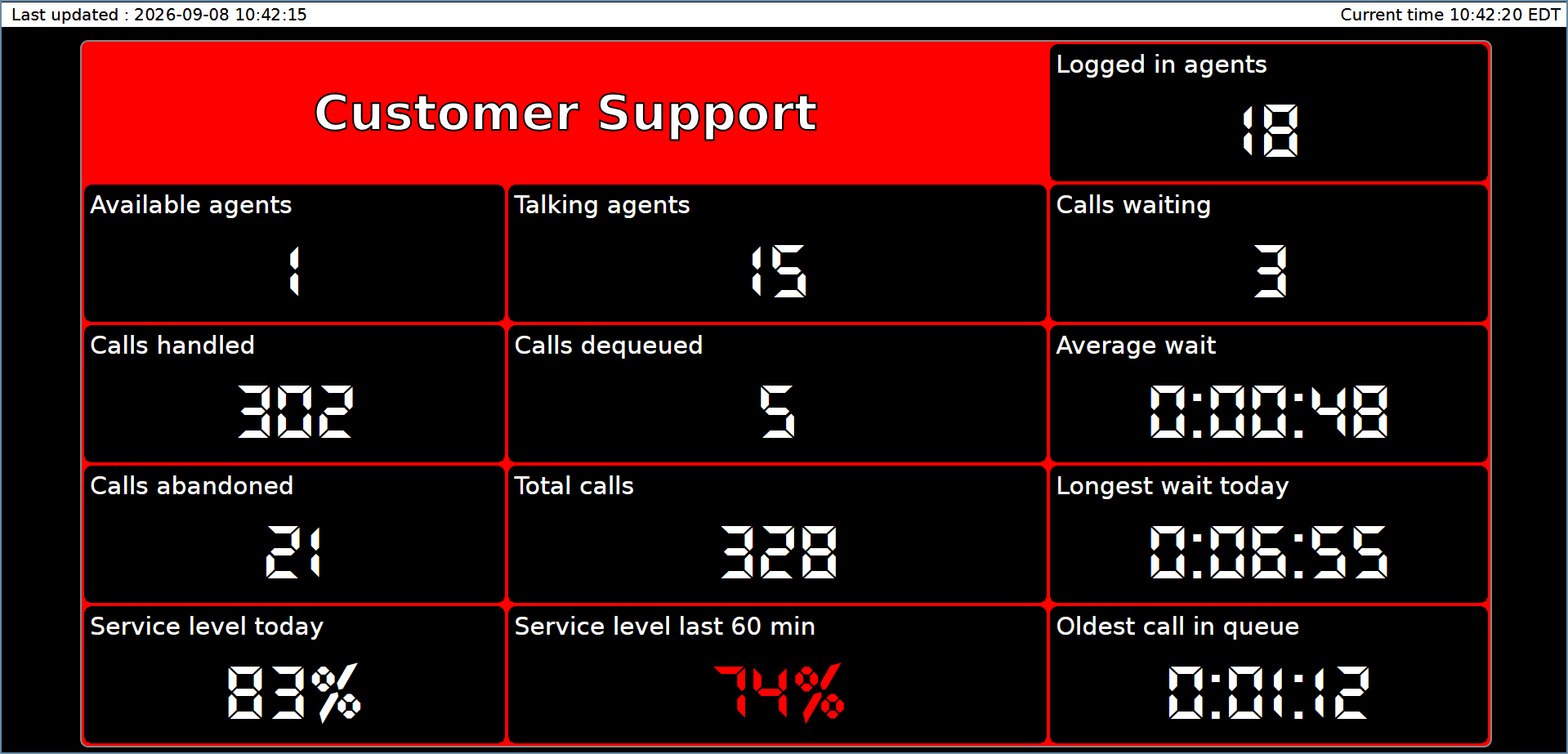
Focus on one queue, or a group
Give one CSQ the whole screen, or pick up to eight queues with friendly names for a department. Show only the numbers your team cares about and choose your own colours.
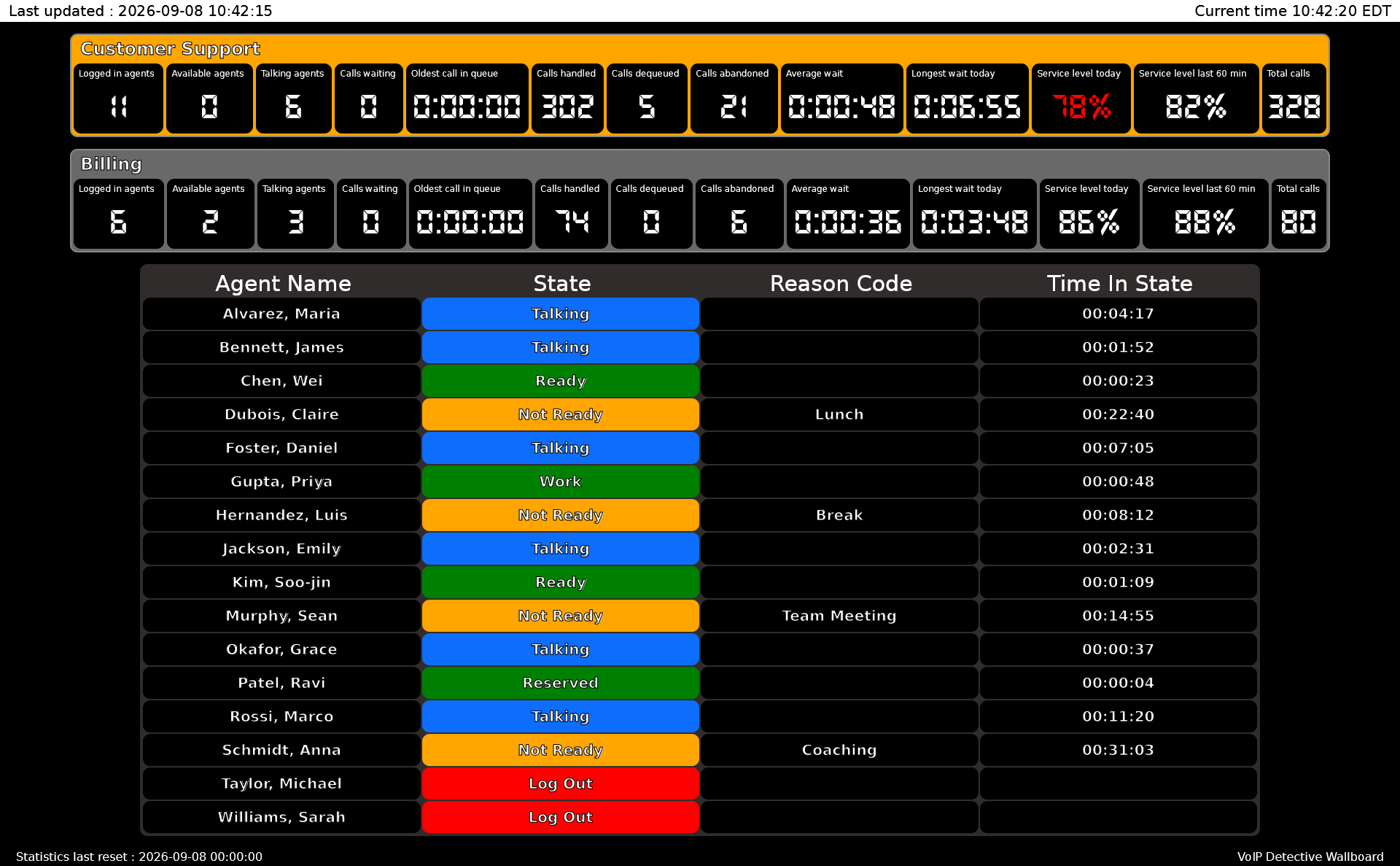
Know what every agent is doing
Team wallboards come straight from your UCCX teams: the team’s queues on top, then each agent with their state, reason code and time in state. Supervisors see who is talking, who is ready, and who has been away from the queue too long.
One screen, three audiences
For agents
See the queue they can’t see from Finesse: how many callers are holding and how long the oldest has waited. Nobody has to be told to pick up the pace.
For supervisors
Know at a glance who is ready, who is talking, who is on break, and whether the team is inside its service level for the hour, in time to do something about it.
For managers
Watch abandon counts and service level across every call center queue from a browser tab, without logging in to UCCX or waiting for a report.
Service level for every queue
Each queue shows the percentage of calls answered within its service level threshold, calculated the same way as the CSQ Service Level report in UCCX, so the wallboard and your reports agree. Service level today is what you report on. Service level for the last hour is how the queue is doing right now, while there is still time to act. A queue below its target is shown in red.
What each queue shows
Agents
Logged in, available and talking.
Queue
Calls waiting, oldest call in queue, average and longest wait today.
Calls
Handled, dequeued, abandoned and total calls today.
Service level
Today and for the last hour, against the queue’s own target.
Each of these statistics can be shown or hidden on every wallboard you create, so a sales screen and a support screen can each show only what that team needs. Colours are yours to set as well. And if UCCX ever becomes unreachable, the wallboard doesn’t go blank: it keeps displaying the last figures it received, tells you it’s waiting on UCCX, and picks back up automatically as soon as the connection returns.
Three steps to a live wallboard
1. Enable the wallboard user in UCCX
In UCCX Administration, turn on Real Time Snapshot Writing and set the wallboard password.
2. Point VoIP Detective at UCCX
Enter the UCCX server address and that password on the wallboard configuration page.
3. Open it on any screen
Each wallboard is a URL. Nothing to install on agent PCs; any browser works.
Full instructions with screenshots are in the setup guide.
Included with VoIP Detective Pro
One flat price for VoIP Detective Pro covers the wallboard, with unlimited queues, agents and screens. No per-seat licensing, no add-on modules, no design services. See pricing.
Common questions
Does it work with UCCX high availability?
Yes. Point it at the primary node. The data used for team and service level views is replicated to both nodes.
Will it slow down UCCX?
No. It reads the wallboard tables UCCX writes for this purpose, and results are cached so any number of screens make one query.
Does it replace Finesse or CUIC?
No, and it doesn’t interfere with them. The wallboard only reads from UCCX.
How many screens can I use?
As many as you like. Each screen just opens a URL, and agents can keep it open on their desktops too.
Which Cisco products does it support?
Cisco Unified Contact Center Express (UCCX). It does not support UCCE or PCCE.
Does anything leave my network?
No. VoIP Detective runs on your own server and reads UCCX over your local network. Nothing is sent to the cloud.
What do I need to show it on a TV?
Anything with a browser: a smart TV, a streaming stick with a browser app, a Raspberry Pi, or an old PC. Open the wallboard URL and go full screen.
How often does it update?
Every few seconds, and the interval is configurable. Daily statistics reset at midnight, the same as UCCX’s own real-time counters.
Something else? Contact us and a person will answer.